Frequently Asked Questions About Markdown Conversion
These answers cover supported formats, rendering fidelity, file-size limits, privacy, and pricing.
What is a Markdown converter and why do I need one?
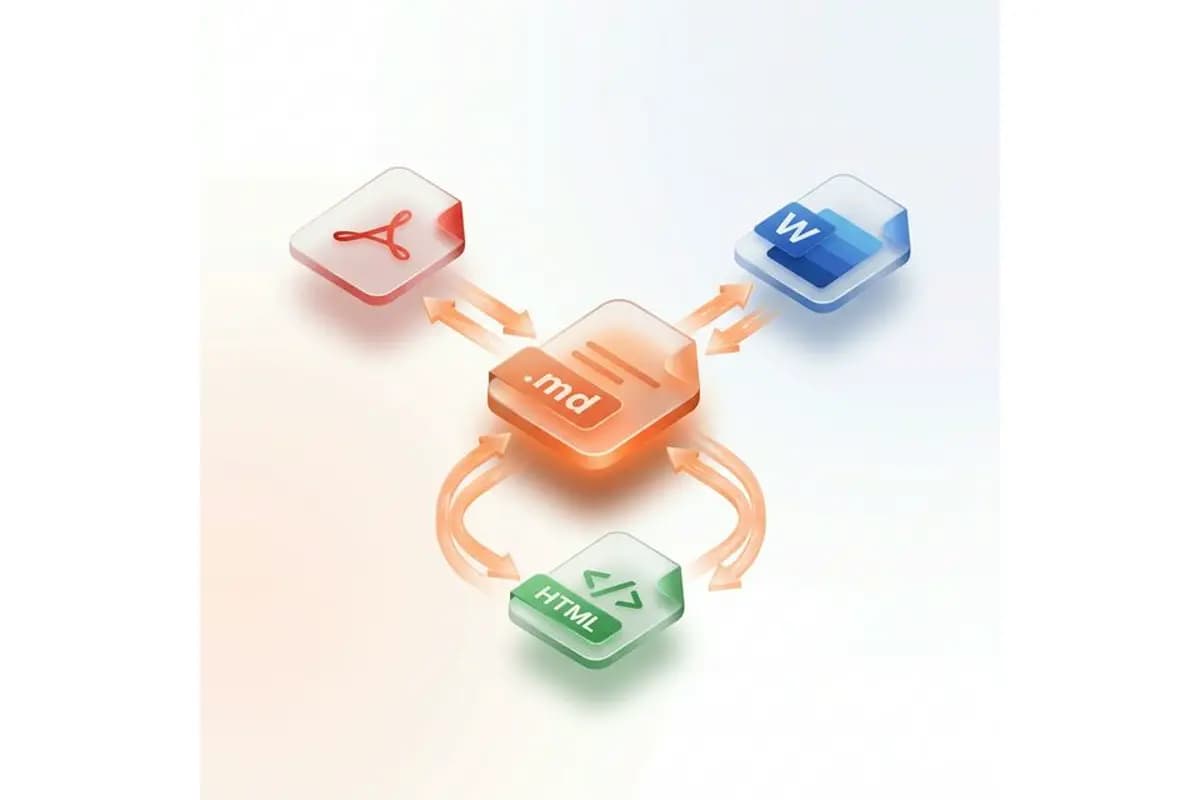
A Markdown converter is a tool that transforms Markdown (.md) files into other document formats such as PDF, Word (.docx), and HTML — or converts those formats back into Markdown. You need a Markdown converter when you write documentation, README files, or technical content in Markdown but need to share it as a professional PDF for clients, an editable Word document for non-technical colleagues, or clean HTML for web publishing. MarkdownCo covers every direction: Markdown to PDF, Word, HTML, and Confluence — plus PDF, Word, HTML, and even images (OCR) back to clean Markdown — making it a complete solution for any document conversion workflow.
How do I convert Markdown to PDF, Word, or HTML online?
To convert Markdown to PDF, Word, or HTML online, follow these three steps: Step 1 — paste your Markdown content into the editor or drag and drop a .md file. Step 2 — select your target format (PDF for print-ready documents, Word for editable reports, or HTML for web publishing) and preview the result in real time. Step 3 — click 'Convert & Download' to generate and download your file instantly. The converter preserves all GitHub Flavored Markdown (GFM) syntax including tables, code blocks with syntax highlighting, LaTeX math equations, Mermaid diagrams, task lists, and embedded images. Most conversions complete in under 5 seconds.
What Markdown features are supported — GFM, LaTeX, Mermaid, tables?
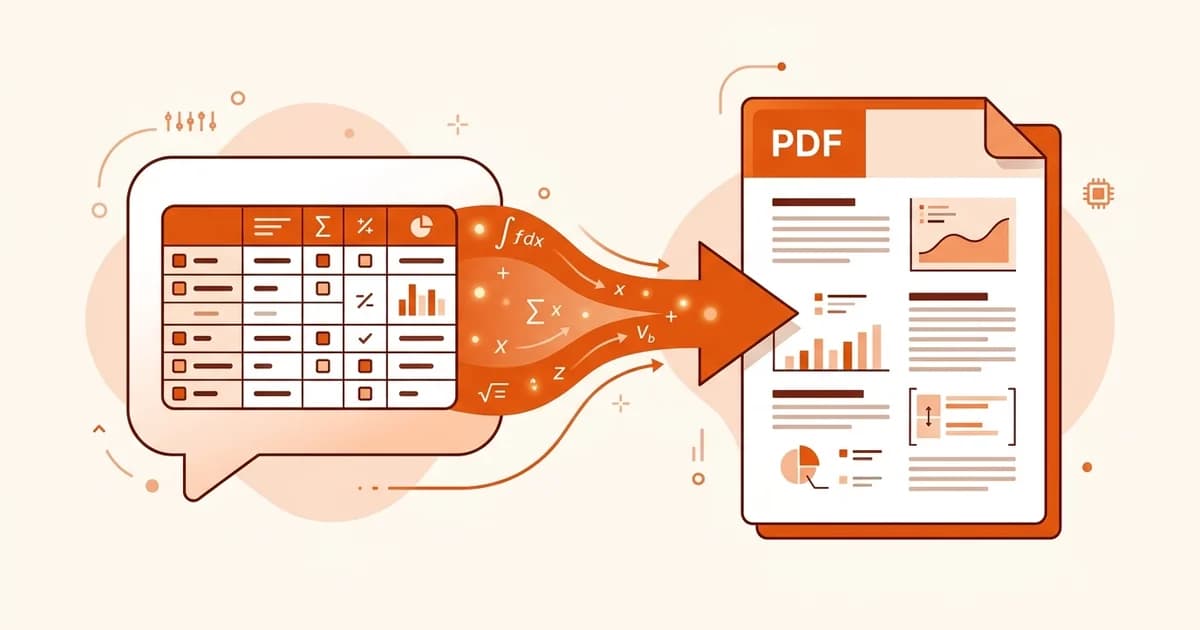
MarkdownCo supports the full GitHub Flavored Markdown (GFM) specification and beyond. Supported features include: Tables with column alignment, fenced code blocks with syntax highlighting for 100+ programming languages (Python, JavaScript, Go, Rust, etc.), LaTeX math equations (both inline $...$ and block $$...$$), Mermaid diagrams (flowcharts, sequence diagrams, Gantt charts, class diagrams), task lists with checkboxes, strikethrough, auto-linked URLs, footnotes, and embedded images. This makes it suitable for converting complex technical documentation, academic papers with mathematical formulas, and software architecture diagrams.
What is the difference between Markdown to PDF, Markdown to Word, and Markdown to HTML conversion?
Each output format serves a different purpose: Markdown to PDF creates a fixed-layout, print-ready document ideal for reports, academic papers, journal submissions, and archiving — the formatting is locked and looks the same on every device. Markdown to Word (.docx) generates an editable document where headings are mapped to native Word styles, tables are fully editable, and images are embedded — perfect for sharing with colleagues who use Microsoft Word, Google Docs, or LibreOffice. Markdown to HTML produces clean, semantic HTML5 code without inline styles, ideal for publishing to WordPress, Ghost, Hugo, Jekyll, or any CMS. Choose PDF when you need a final, read-only document; Word when others need to edit; and HTML when you're publishing to the web.
How do I convert a PDF or Word document back to Markdown?
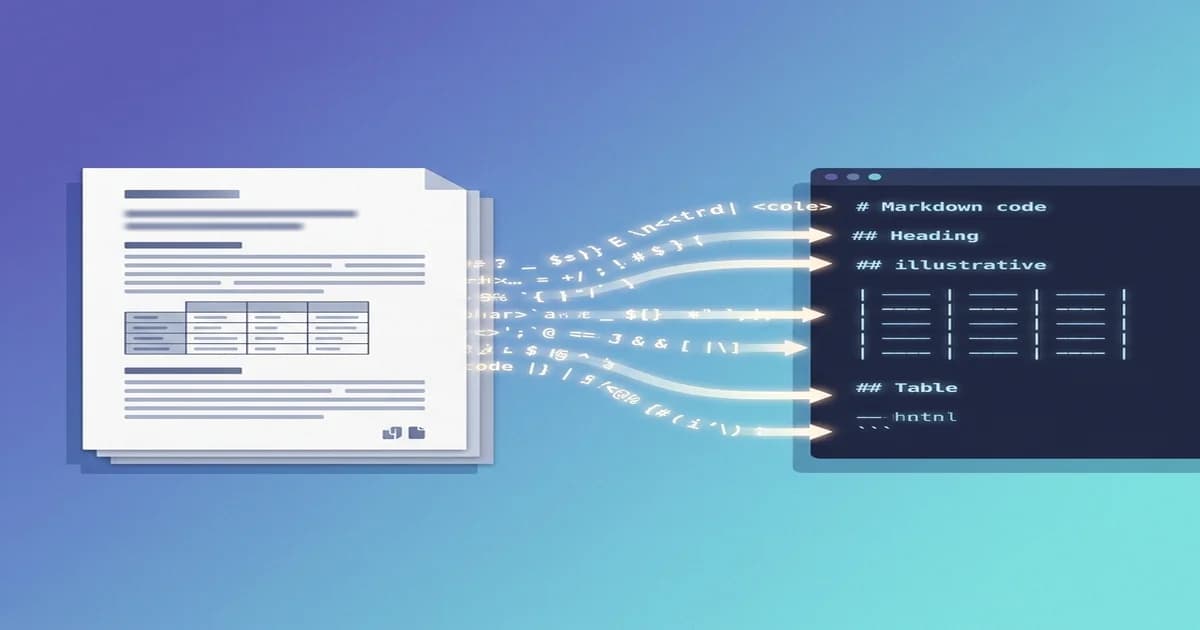
To convert a PDF or Word file to Markdown, use our reverse conversion tools: upload your .pdf or .docx file, and the converter will automatically extract headings, paragraphs, lists, tables, code blocks, images, and hyperlinks into clean, standard Markdown syntax. For PDF to Markdown, our parsing engine analyzes the document structure and reconstructs the content hierarchy — text-based PDFs exported from Word, LaTeX, or Google Docs work best. For Word to Markdown, heading styles (Heading 1–6) are mapped to Markdown H1–H6, and embedded images are extracted into a separate folder. Both tools output files ready for Git, Obsidian, Notion, or any Markdown editor.
What is the maximum file size for Markdown conversion?
Every conversion — md to PDF, md to DOCX, Markdown to HTML, and the reverse directions — supports files up to 10 MB per conversion. This is more than enough for comprehensive technical documentation with embedded images, large Markdown projects with hundreds of pages, academic papers with LaTeX equations, and detailed software documentation with Mermaid diagrams. Most standard Markdown files convert in under 5 seconds. Larger files with many embedded images may take up to 30 seconds.
Is my data safe when converting Markdown files online?
Yes. All file uploads and downloads are protected with industry-standard SSL/TLS encryption. Your files are automatically and permanently deleted from our servers immediately after conversion — we never store, read, analyze, or share your content. This makes MarkdownCo safe for converting confidential documents, proprietary source code documentation, internal company reports, and academic research papers. You can convert without even creating an account — and signed in or not, we never track, log, or share the content of your files.
Can I convert Markdown to PDF on my phone or tablet?
Yes. MarkdownCo is fully responsive and works on all modern mobile browsers, including Safari on iOS, Chrome on Android, and mobile Firefox. You can convert Markdown to PDF, Word, or HTML from your smartphone or tablet with the same conversion quality and feature support as on desktop — including GFM tables, LaTeX math, code highlighting, and Mermaid diagrams. Simply open the converter in your mobile browser, paste or upload your Markdown file, and download the result.
Is the Markdown converter free to use? How does pricing work?
The converter is free every day: anyone gets
1 free conversion daily with no account, and a free account starts with
5 welcome credits on top. Free Markdown to PDF & Word downloads include a small watermark. For heavier use there's a simple pay-as-you-go credit system:
1 Credit = 1 File Conversion, and any purchase removes the watermark from all your future exports. Buy only the credits you need — no subscriptions, no hidden fees, and credits
never expire. If a conversion fails due to a technical error, your credit is automatically refunded. For current credit-pack prices, see our
pricing page.
Which file formats does the Markdown converter support?
MarkdownCo supports bidirectional conversions between the most popular document formats:
- Markdown → PDF, Word (.docx), HTML
- PDF → Markdown
- Word (.docx) → Markdown
- HTML → Markdown
- Image (screenshot / scan) → Markdown
- Markdown → Confluence wiki markup
Input files can be .md (Markdown), .pdf (PDF), .docx (Microsoft Word), .html (HTML), or an image such as a screenshot or scan. Output files are generated in the corresponding target format. All conversion directions are available with a single account and shared credits.