Word to Markdown
Convert DOCX to Clean MD Online
Retain your formatting while converting Microsoft Word documents into lightweight, version-controllable Markdown for docs, Git, and AI workflows.
Related Markdown Conversion Tools
Try other Markdown converters to keep your workflow going
Markdown to PDF
Turn Markdown into print-ready PDF with GFM tables, LaTeX math, and syntax-highlighted code.
Markdown to HTML
Convert Markdown to clean, semantic HTML5 — no inline styles, ready for any CMS or static site.
Markdown to Word
Export Markdown to editable .docx with native heading styles, real tables, and embedded images.
Markdown to Confluence
Convert Markdown to Confluence wiki markup with code macros and preserved LaTeX math.
Markdown to Excel
Convert Markdown tables to XLSX spreadsheets with real number, percentage, and link cells.
PDF to Markdown
Extract text, headings, tables, and code from PDF files into clean, editable Markdown.
Image to Markdown
Pull text, tables, and math from screenshots or scans into editable Markdown.
HTML to Markdown
Turn web pages, blog posts, and messy CMS exports into clean Markdown syntax.
How to Convert Word to Markdown Online
Transform Word documents into lightweight, version-control-friendly Markdown in three steps.
Upload Your Word File
Drag and drop a .docx file into the upload area or click to browse. We support standard Word documents up to 10 MB from Microsoft Word, Google Docs, or LibreOffice.
Automatic Conversion
Our style-aware engine maps Word heading styles to Markdown H1–H6, preserves lists and nested structures, and extracts embedded images. Bold, italic, links, and tables are all converted.
Download Markdown
Download the clean .md file instantly. If images were embedded in your Word document, you receive a ZIP with the Markdown file and an images folder — ready for Git or any editor.
Popular Word to Markdown Use Cases
From legacy docs to version-controlled wikis, here's what people convert into clean Markdown every day.




Best Free Word to Markdown Converter — Features & Benefits
Convert Word (.docx) to clean Markdown with full preservation of heading styles, lists, tables, bold/italic formatting, hyperlinks, and embedded images.
Heading styles → H1–H6
Our DOCX to Markdown converter maps Word's Heading 1–6 styles to Markdown H1–H6, preserves ordered and unordered lists with correct nesting, and converts bold (**), italic (*), and strikethrough (~~) formatting to standard Markdown syntax.
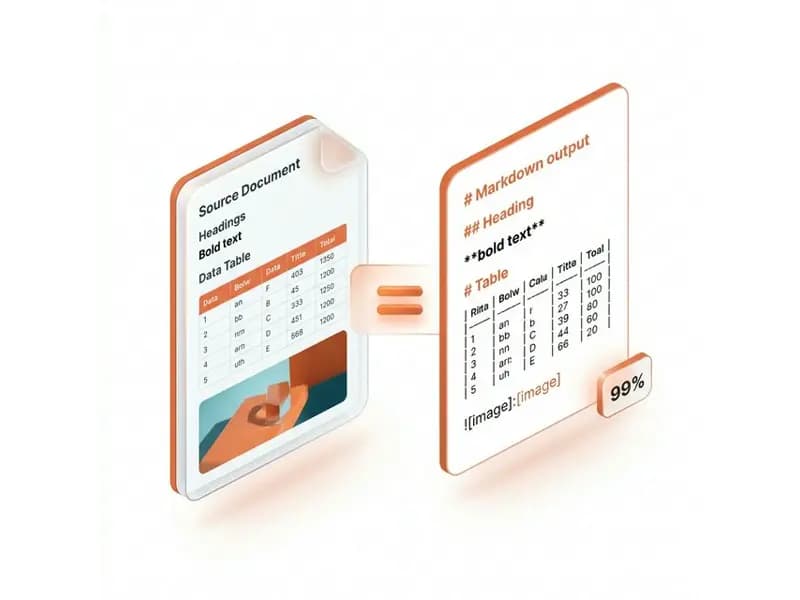
Embedded images extracted
Embedded images in your .docx file are automatically extracted during conversion and referenced correctly in the Markdown output. You receive a ZIP with the .md file and an images folder — ready for Git or any editor.

Private & auto-deleted
Your Word documents are encrypted during upload, converted to Markdown on secure servers, and permanently deleted after processing. We never store, read, or share your content — safe for converting confidential Word documents.

Rich text & code kept
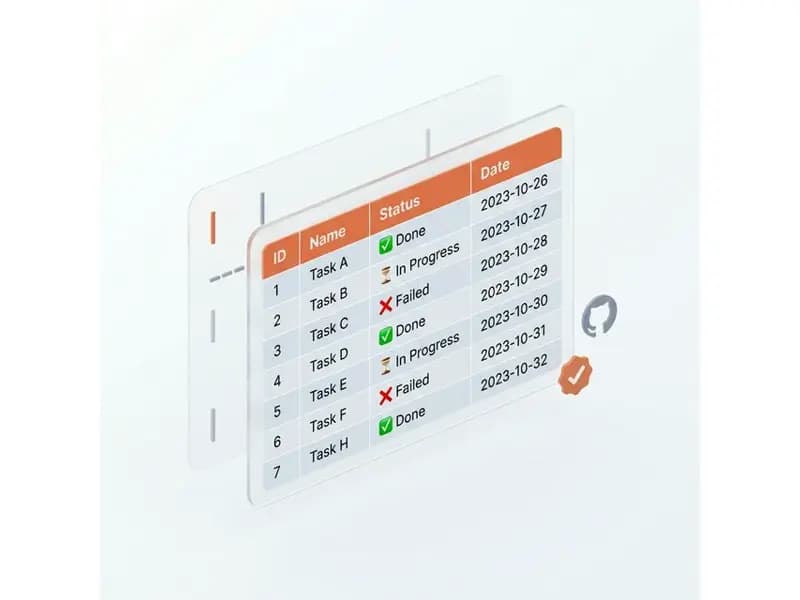
Our Word to Markdown converter handles complex elements beyond simple text: code blocks (monospace fonts are converted to fenced code blocks), hyperlinks, tables, emojis, and nested lists — ensuring your Markdown output is ready for GitHub, Obsidian, or any modern platform.
Word to Markdown Conversion — Frequently Asked Questions
Answers on how the Word to Markdown converter handles document structure, images, links, and formatting.