Markdown Table to Excel Converter — Real Cells You Can Sort & Sum
Convert Markdown to Excel right in your browser: Markdown tables become .xlsx spreadsheets. Numbers, percentages, links, and alignment convert to real cell types you can sort and sum — free to try, with your table data processed locally.
Table Preview
Paste Markdown with a table on the left to see exactly how your Excel sheet will look.
Related Markdown Conversion Tools
Try other Markdown converters to keep your workflow going
Markdown to PDF
Turn Markdown into print-ready PDF with GFM tables, LaTeX math, and syntax-highlighted code.
Markdown to HTML
Convert Markdown to clean, semantic HTML5 — no inline styles, ready for any CMS or static site.
Markdown to Word
Export Markdown to editable .docx with native heading styles, real tables, and embedded images.
Markdown to Confluence
Convert Markdown to Confluence wiki markup with code macros and preserved LaTeX math.
PDF to Markdown
Extract text, headings, tables, and code from PDF files into clean, editable Markdown.
Image to Markdown
Pull text, tables, and math from screenshots or scans into editable Markdown.
HTML to Markdown
Turn web pages, blog posts, and messy CMS exports into clean Markdown syntax.
Word to Markdown
Convert Word (.docx) documents to Markdown, keeping headings, lists, tables, and links.
How to Convert a Markdown Table to Excel Online
Convert MD to Excel in three steps — from plain-text Markdown to a working spreadsheet.
Paste or Upload Your Markdown
Paste Markdown from ChatGPT, GitHub, or your notes — or drag and drop a .md file. The preview instantly shows every table found in your document.
Preview & Pick Your Format
Check the live preview to confirm columns, alignment, and formatting look right, then pick Excel (.xlsx) or CSV (.csv) as your output format.
Download as XLSX or CSV
Click Convert & Download to get a spreadsheet that opens in Microsoft Excel, Google Sheets, and LibreOffice — numbers, percentages, and links arrive as real, editable cells.
What People Convert from Markdown to Excel
From AI chat output to project documentation, these are the tables people turn into spreadsheets every day.




Markdown to XLSX Conversion That Keeps Your Data Intact
Your table arrives in Excel as working data you can calculate with — not a block of pasted text you have to clean up first.
Real Numbers & Percentages
Values like 1,234.56 and 99% are detected and written as native Excel cell types, so you can sort, filter, and sum them immediately. Everything else — including dates — is kept exactly as written instead of being guessed wrong, so your data stays trustworthy.
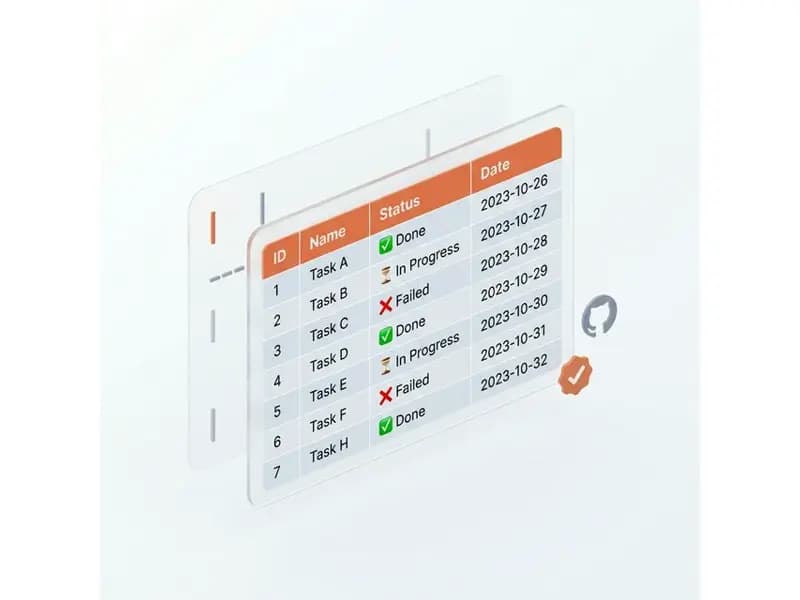
Alignment & Formatting Preserved
Column alignment from your Markdown carries over to the spreadsheet, and bold, italic, and inline code inside cells survive the trip as rich text.
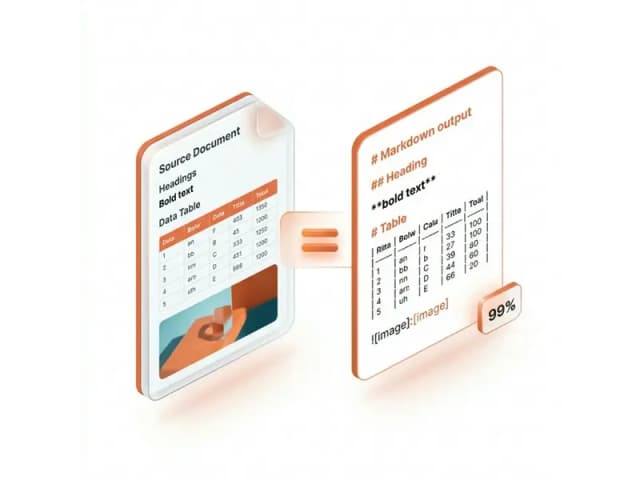
Multiple Tables, Multiple Sheets
A document with several tables exports as one workbook with a separate sheet per table, so nothing gets merged together or silently dropped.

Private In-Browser Conversion — XLSX or CSV
Your Markdown never leaves your device: parsing and conversion run entirely in your browser, which keeps confidential tables safe and makes conversion instant. Download an .xlsx workbook, or grab a plain .csv when you just need raw data.

Markdown to Excel Converter FAQ
Answers to common questions about Markdown to Excel conversion, including Markdown to CSV export.