Markdown to HTML Converter — MD to HTML Online, Clean Code for Any CMS
Instantly convert Markdown to clean, semantic HTML5 code. SEO-friendly output with GitHub Flavored Markdown (GFM), task lists, code blocks, LaTeX math, and Mermaid diagrams.
HTML Code Preview
Instant HTML generation. Start typing to see the clean, semantic markup appear here.
Related Markdown Conversion Tools
Try other Markdown converters to keep your workflow going
Markdown to PDF
Turn Markdown into print-ready PDF with GFM tables, LaTeX math, and syntax-highlighted code.
Markdown to Word
Export Markdown to editable .docx with native heading styles, real tables, and embedded images.
Markdown to Confluence
Convert Markdown to Confluence wiki markup with code macros and preserved LaTeX math.
Markdown to Excel
Convert Markdown tables to XLSX spreadsheets with real number, percentage, and link cells.
PDF to Markdown
Extract text, headings, tables, and code from PDF files into clean, editable Markdown.
Image to Markdown
Pull text, tables, and math from screenshots or scans into editable Markdown.
HTML to Markdown
Turn web pages, blog posts, and messy CMS exports into clean Markdown syntax.
Word to Markdown
Convert Word (.docx) documents to Markdown, keeping headings, lists, tables, and links.
How to Convert Markdown to HTML Online
Generate clean, semantic HTML5 from your Markdown in three quick steps.
Paste or Upload Markdown
Enter your Markdown content in the editor or upload a .md file. The editor renders a live preview so you can verify headings, lists, and code blocks before converting.
Preview the HTML Output
The preview panel shows the generated HTML in real time. All GFM features — tables, task lists, strikethrough, and fenced code — are converted to clean, standards-compliant HTML5 elements.
Copy or Download HTML
Click 'Convert & Download' to get a clean HTML file. The output contains no inline styles, making it ready to paste into WordPress, Ghost, Hugo, or any CMS.
Popular Markdown to HTML Use Cases
From blog posts to knowledge bases, here's what people turn into clean, publish-ready HTML every day.




Best Free Markdown to HTML Converter — Features & Benefits
Convert Markdown to clean, semantic HTML5 code that is directly ready for WordPress, Ghost, Hugo, Jekyll, or any web platform — optimized for search engines and accessibility.
Clean semantic HTML5
Our MD to HTML converter produces standards-compliant HTML5 markup with proper semantic elements — <article>, <section>, <h1>–<h6>, <p>, <ul>, <ol>, <table>. No messy inline styles or deprecated tags — just clean, accessible HTML code.
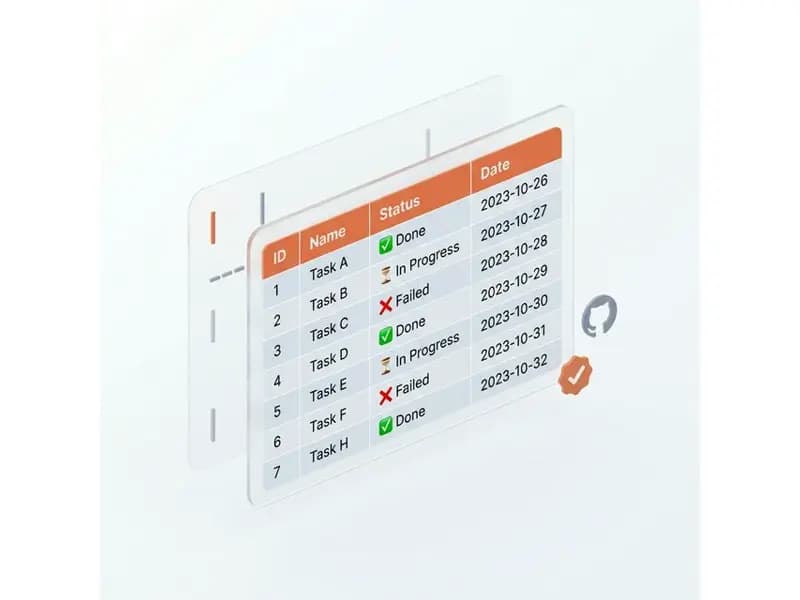
SEO-friendly output
When you convert Markdown to HTML, proper heading hierarchy (H1–H6) and semantic tags are preserved, ensuring your content is fully indexable by Google, Bing, and other search engines right out of the box.
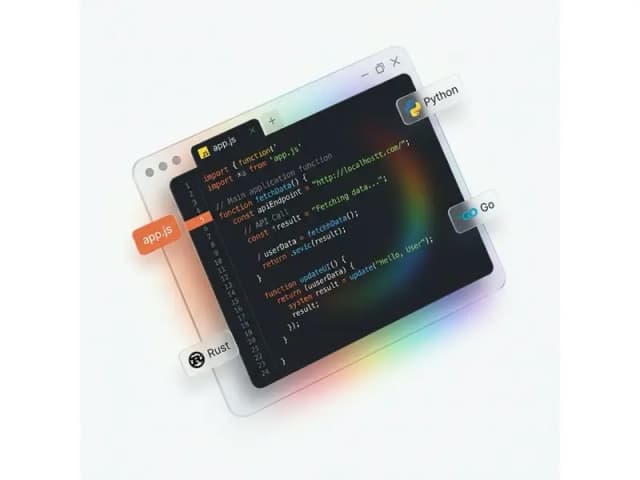
CSS-framework ready
The HTML output contains no inline styles, making it easy to style with Tailwind CSS, Bootstrap, or your own custom CSS framework without conflicts or overrides.
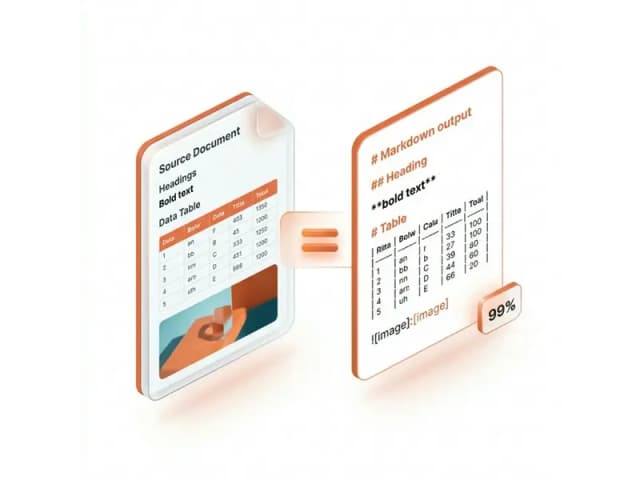
Drops into any CMS
Convert MD to HTML and paste the output directly into WordPress, Ghost, Contentful, Strapi, or any content management system. The clean HTML fragment integrates seamlessly with any CMS template.

Markdown to HTML Conversion — Frequently Asked Questions
Answers on how the converter handles semantic HTML5, GFM, images, and CMS output.