Markdown to PDF Online — Free & Print-Ready in Seconds
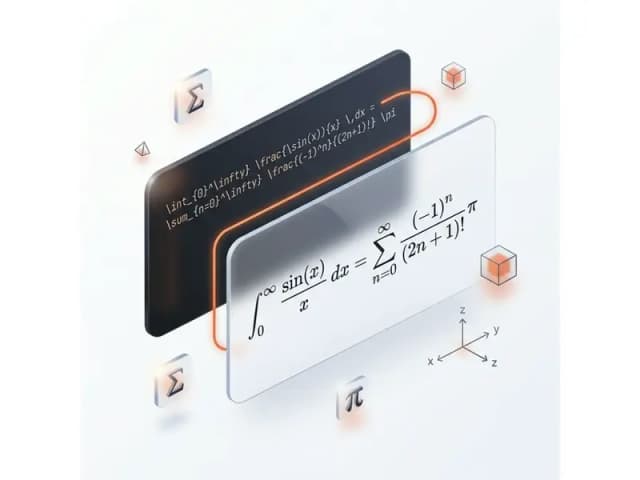
Instantly convert Markdown syntax into professional, high-quality PDF files. Our free online tool supports GitHub Flavored Markdown (GFM), tables, mathematical equations (LaTeX), and code syntax highlighting.
PDF Preview
Preview how your PDF document will look. Supports standard Markdown and Tables.
Related Markdown Conversion Tools
Try other Markdown converters to keep your workflow going
Markdown to HTML
Convert Markdown to clean, semantic HTML5 — no inline styles, ready for any CMS or static site.
Markdown to Word
Export Markdown to editable .docx with native heading styles, real tables, and embedded images.
Markdown to Confluence
Convert Markdown to Confluence wiki markup with code macros and preserved LaTeX math.
Markdown to Excel
Convert Markdown tables to XLSX spreadsheets with real number, percentage, and link cells.
PDF to Markdown
Extract text, headings, tables, and code from PDF files into clean, editable Markdown.
Image to Markdown
Pull text, tables, and math from screenshots or scans into editable Markdown.
HTML to Markdown
Turn web pages, blog posts, and messy CMS exports into clean Markdown syntax.
Word to Markdown
Convert Word (.docx) documents to Markdown, keeping headings, lists, tables, and links.
How to Convert Markdown to PDF Online
Turn your Markdown files into professional PDFs in three easy steps.
Paste or Upload Markdown
Type directly in the editor, paste your Markdown content, or drag and drop a .md file. Our editor supports live preview so you can verify formatting before converting.
Preview & Convert to PDF
Check the live preview panel to see how your PDF will look. Tables, LaTeX math equations, Mermaid diagrams, and syntax-highlighted code blocks are all rendered in real time.
Download Your PDF
Click 'Convert & Download' to generate a polished, print-ready PDF. The output preserves your heading hierarchy, images, and page layout — ready for sharing or archiving.
Popular Markdown to PDF Use Cases
From GitHub READMEs to academic papers, here's what people turn into print-ready PDF every day.




Best Free Markdown to PDF Converter — Features & Benefits
Convert MD to PDF with full support for GitHub Flavored Markdown (GFM), LaTeX math equations, Mermaid diagrams, syntax-highlighted code blocks, and professional page layout.
Print-Ready PDF Page Layout
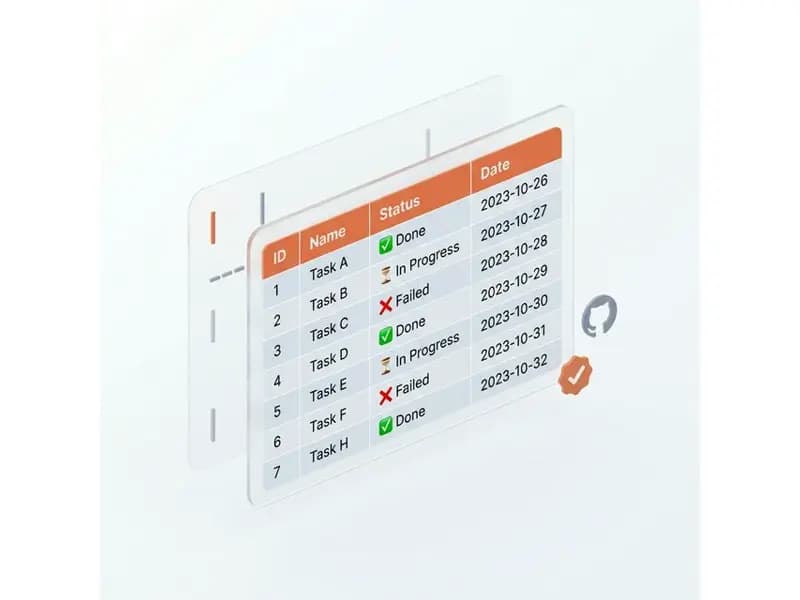
Our MD to PDF converter automatically handles page breaks, margins, headers, and typography to produce professionally typeset PDF documents. Perfect for converting Markdown reports, technical documentation, and e-books to print-ready PDF.
Syntax-Highlighted Code Blocks in PDF
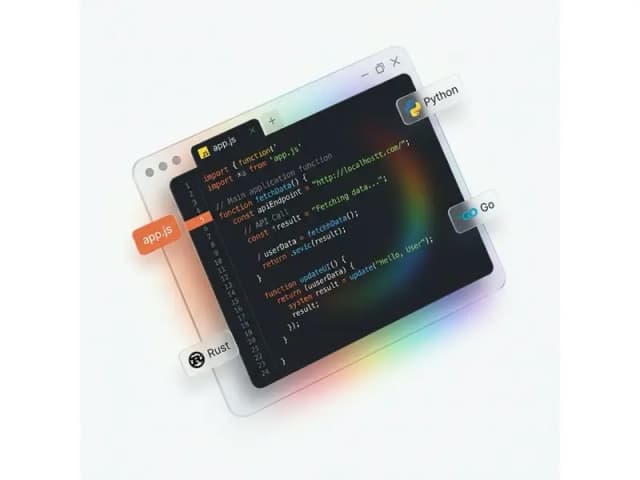
When you convert a Markdown file to PDF, fenced code blocks are rendered with full syntax highlighting for 100+ languages including Python, JavaScript, Go, Rust, and TypeScript. Makes technical documentation and README files look polished in the exported PDF.
Crisp, High-Resolution Images in PDF
Images referenced in your Markdown are automatically fetched, optimized for print quality, and embedded into the PDF. Charts, diagrams, and screenshots remain crisp and clear in the final PDF output.
Private PDF Conversion, Files Auto-Deleted
Your Markdown files are encrypted during upload, converted to PDF on secure servers, and automatically deleted after processing. We never store, read, or share your content — safe for confidential documentation and proprietary source code.

Markdown to PDF Conversion — Frequently Asked Questions
Answers on how the Markdown to PDF converter handles GFM, LaTeX, Mermaid, code, and images.