HTML to Markdown
Convert to Clean MD Instantly
Instantly convert HTML to standard Markdown — preserves tables, images, and lists for clean documentation and LLM-ready content.
Related Markdown Conversion Tools
Try other Markdown converters to keep your workflow going
Markdown to PDF
Turn Markdown into print-ready PDF with GFM tables, LaTeX math, and syntax-highlighted code.
Markdown to HTML
Convert Markdown to clean, semantic HTML5 — no inline styles, ready for any CMS or static site.
Markdown to Word
Export Markdown to editable .docx with native heading styles, real tables, and embedded images.
Markdown to Confluence
Convert Markdown to Confluence wiki markup with code macros and preserved LaTeX math.
Markdown to Excel
Convert Markdown tables to XLSX spreadsheets with real number, percentage, and link cells.
PDF to Markdown
Extract text, headings, tables, and code from PDF files into clean, editable Markdown.
Image to Markdown
Pull text, tables, and math from screenshots or scans into editable Markdown.
Word to Markdown
Convert Word (.docx) documents to Markdown, keeping headings, lists, tables, and links.
How to Convert HTML to Markdown Online
Turn web pages and HTML code into clean, readable Markdown in three steps.
Paste HTML or Upload File
Paste raw HTML code into the editor or upload an .html file. Our tool handles messy HTML from WordPress exports, email templates, and copy-pasted web content.
Automatic Conversion
The engine normalizes your HTML, strips scripts and styles, and converts semantic elements — headings, lists, tables, links, images — into standard Markdown syntax.
Download Markdown
Download the clean .md file or copy the output directly. The result is ready to use in any Markdown editor, static site generator, or documentation platform.
Popular HTML to Markdown Use Cases
From scraped pages to CMS migrations, here's what people convert into clean Markdown every day.




Best Free HTML to Markdown Converter — Features & Benefits
Convert HTML to clean, readable Markdown syntax. Our HTML to MD converter parses HTML DOM accurately, handles messy WordPress exports, and produces standard Markdown ready for Git, Obsidian, or any editor.
Structure preserved
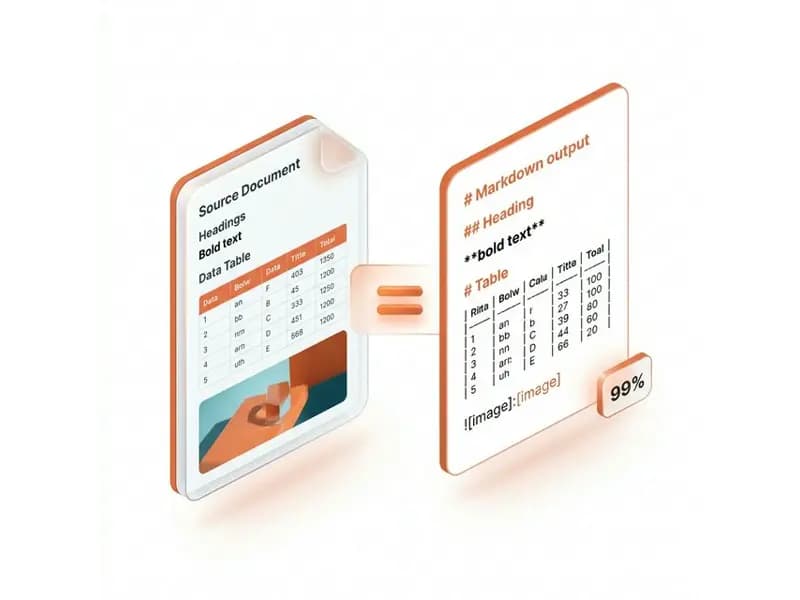
The converter accurately translates HTML elements to their Markdown equivalents: headings (H1–H6), paragraphs, ordered/unordered lists, blockquotes, tables, bold, italic, hyperlinks, and images — preserving the full document structure.
Developer-friendly output
Convert HTML documentation, CMS content, and web pages to clean Markdown syntax ideal for Git-backed systems, developer wikis, Obsidian, Notion, and static site generators like Hugo, Jekyll, and Docusaurus.

Private & auto-deleted
Your HTML files are encrypted during upload, converted to Markdown on secure servers, and permanently deleted after processing. We never store, read, or share your content — safe for converting proprietary web content and internal documentation.

Messy HTML cleaned up
The converter automatically cleans and normalizes messy HTML before conversion — handling WordPress post exports, copy-pasted web content, email newsletter HTML, and legacy CMS output with redundant tags and inline styles.
HTML to Markdown Conversion — Frequently Asked Questions
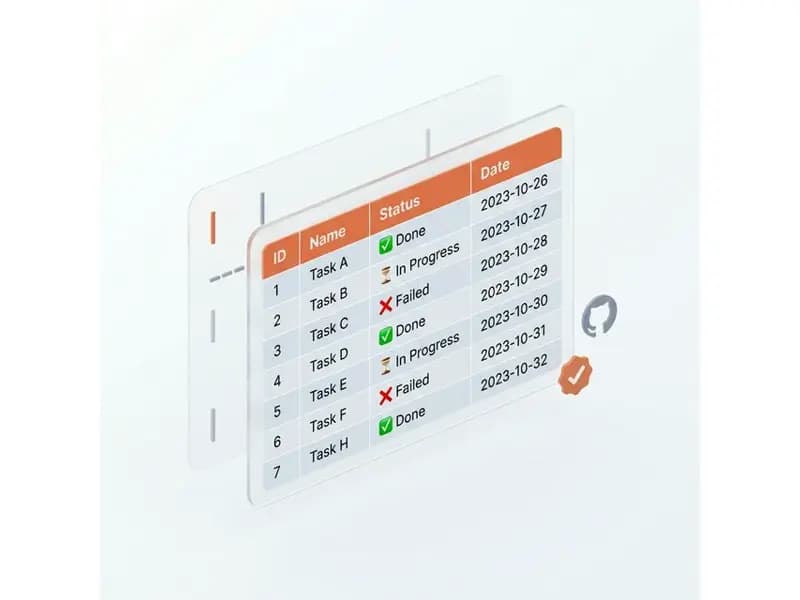
Answers on how the HTML to Markdown converter handles headings, tables, images, and messy markup.