Markdown to Word Converter — MD to DOCX with LaTeX, Mermaid & Tables
Convert Markdown files to native Microsoft Word (.docx). LaTeX equations, Mermaid diagrams, GFM tables, and images are preserved as editable Word styles. The file opens in Word, Google Docs, and LibreOffice.
Document Preview
Upload your markdown file or start typing to see the live DOCX preview here.
Related Markdown Conversion Tools
Try other Markdown converters to keep your workflow going
Markdown to PDF
Turn Markdown into print-ready PDF with GFM tables, LaTeX math, and syntax-highlighted code.
Markdown to HTML
Convert Markdown to clean, semantic HTML5 — no inline styles, ready for any CMS or static site.
Markdown to Confluence
Convert Markdown to Confluence wiki markup with code macros and preserved LaTeX math.
Markdown to Excel
Convert Markdown tables to XLSX spreadsheets with real number, percentage, and link cells.
PDF to Markdown
Extract text, headings, tables, and code from PDF files into clean, editable Markdown.
Image to Markdown
Pull text, tables, and math from screenshots or scans into editable Markdown.
HTML to Markdown
Turn web pages, blog posts, and messy CMS exports into clean Markdown syntax.
Word to Markdown
Convert Word (.docx) documents to Markdown, keeping headings, lists, tables, and links.
How to Convert Markdown to Word Online
Export your Markdown files as editable Word documents in three simple steps.
Paste or Upload Markdown
Type in the editor, paste Markdown content, or drag and drop a .md file. The live preview shows exactly how your content will look before exporting to Word.
Preview & Convert to DOCX
Review the preview to confirm headings, tables, lists, and images render correctly. Markdown headers are mapped to native Word heading styles for proper document structure.
Download Your Word Document
Click 'Convert & Download' to generate a .docx file. The document opens natively in Microsoft Word, Google Docs, and LibreOffice with all formatting preserved.
Popular Markdown to Word Use Cases
From meeting notes to client deliverables, here's what people turn into editable Word documents every day.



Best Free Markdown to Word Converter — Features & Benefits
Convert Markdown to editable Word (.docx) documents with native heading styles, real tables, and embedded images. Compatible with Microsoft Word, Google Docs, and LibreOffice Writer.
Native heading styles
Our MD to Word converter maps Markdown H1–H6 headings to Word's built-in Heading styles. This means your converted .docx file supports Word's Navigation Pane, automatic Table of Contents generation, and theme application — just like a natively-created Word document.
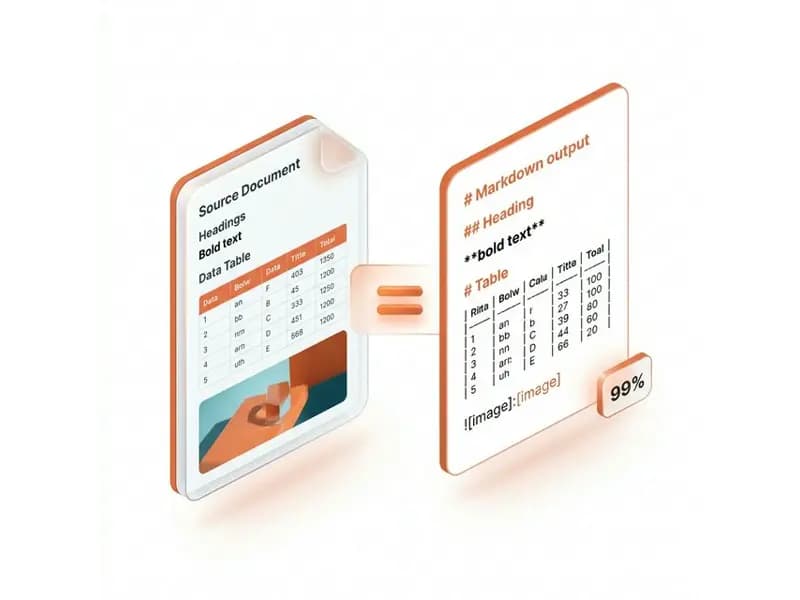
Editable real tables
When you convert Markdown to DOCX, pipe tables are converted into real, editable Word table objects with proper row and column formatting. Tables are fully editable in Microsoft Word and compatible with Google Docs.
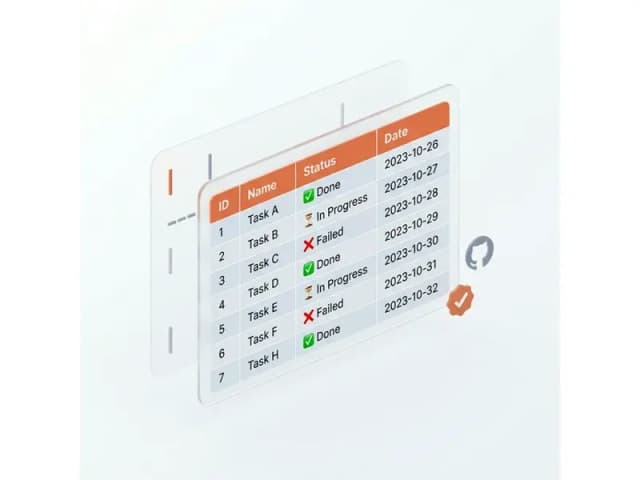
Images embedded inline
Images referenced in your Markdown are automatically downloaded and embedded directly into the .docx file structure during conversion. Your Word document is fully self-contained and portable — no broken image links.

Nested & task lists
The converter handles nested bullet lists, numbered lists, and task lists with correct indentation and bullet styles in the Word output, maintaining the hierarchy of your information.

Markdown to Word Conversion — Frequently Asked Questions
Answers on how the Markdown to Word converter handles headings, tables, images, and .docx compatibility.