Markdown to Confluence Converter
This MD to Confluence converter turns pasted or uploaded Markdown into Confluence wiki markup you can drop into Data Center, Server, or Jira. Headings, tables, code blocks, and links map to their wiki markup equivalents; LaTeX formulas pass through unchanged.
Confluence Wiki Markup
Output updates as you type. Click Convert & Download to save it as a file.
Related Markdown Conversion Tools
Try other Markdown converters to keep your workflow going
Markdown to PDF
Turn Markdown into print-ready PDF with GFM tables, LaTeX math, and syntax-highlighted code.
Markdown to HTML
Convert Markdown to clean, semantic HTML5 — no inline styles, ready for any CMS or static site.
Markdown to Word
Export Markdown to editable .docx with native heading styles, real tables, and embedded images.
Markdown to Excel
Convert Markdown tables to XLSX spreadsheets with real number, percentage, and link cells.
PDF to Markdown
Extract text, headings, tables, and code from PDF files into clean, editable Markdown.
Image to Markdown
Pull text, tables, and math from screenshots or scans into editable Markdown.
HTML to Markdown
Turn web pages, blog posts, and messy CMS exports into clean Markdown syntax.
Word to Markdown
Convert Word (.docx) documents to Markdown, keeping headings, lists, tables, and links.
How to Convert Markdown to Confluence
Convert MD to Confluence-ready wiki markup in three steps.
Add your Markdown
Paste Markdown into the editor or drag in a .md file.
Review the wiki markup
The right panel shows the Confluence wiki markup as you type. Check code macros and tables before exporting.
Convert & download
Click Convert & Download to save the wiki markup as a .txt file and keep it in your conversion history.
Where Confluence wiki markup works
Confluence wiki markup is the text format Confluence Data Center, Server, and Jira parse natively. Writing in Markdown and converting on export keeps your source files in git while your team reads them in Confluence.




How your Markdown maps to Confluence wiki markup
Every Markdown element maps to its wiki markup equivalent, and the Markdown to Confluence conversion is tested against real technical documents with heavy code and math.
Code blocks become code macros
Fenced code blocks convert to {code:language=...} macros with the language tag preserved, so syntax highlighting works in Confluence.

Tables and links convert cleanly
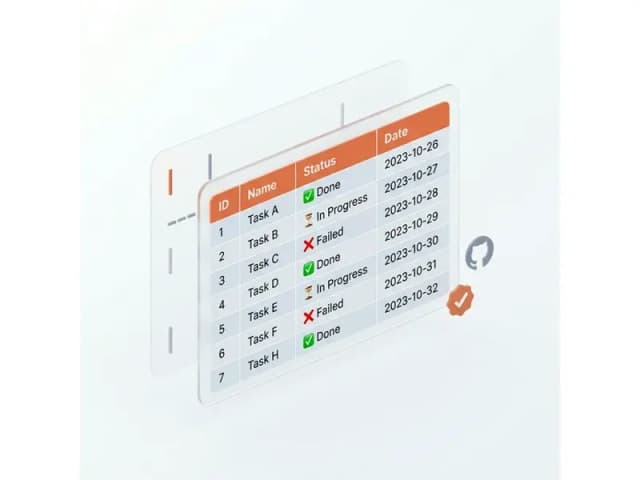
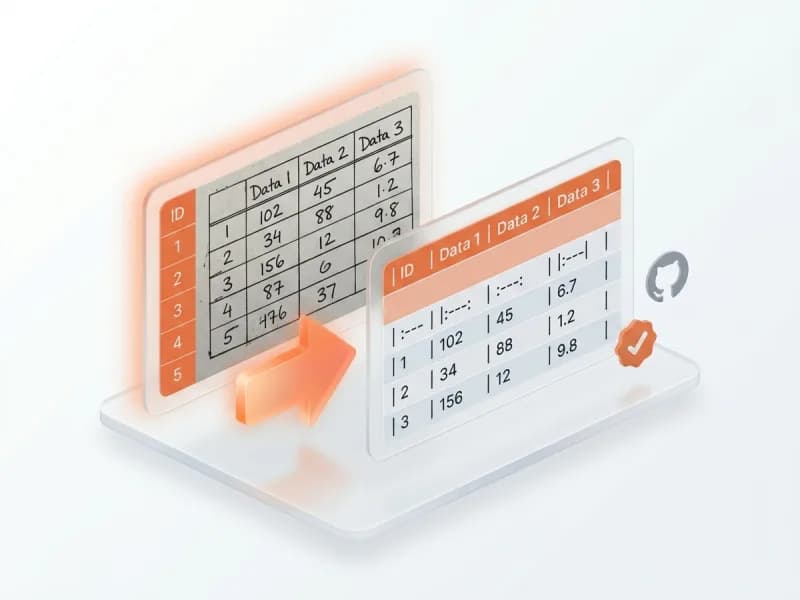
GFM tables map to ||header|| and |cell| rows; [text](url) links become [text|url]. Nested lists keep their depth.
LaTeX math passes through untouched
$$ blocks and inline $...$ formulas are detected and left verbatim — spacing commands, matrix line breaks, and escaped braces survive, so a math macro on the Confluence side can render them.

Headings, quotes, and rules map 1:1
# headings become h1. – h6., blockquotes become {quote} blocks, horizontal rules become ----. The document structure is preserved line for line.
Markdown to Confluence FAQ
These answers cover Markdown to Confluence wiki markup output, code macros, math handling, and Confluence Cloud compatibility.