Best Free Online Markdown Converters: What Actually Matters in 2026
An honest comparison of free online Markdown converters — conversion directions, LaTeX and Mermaid support, security, and file limits, plus a step-by-step workflow for .md to PDF, Word, and HTML.
Choosing an Online Markdown Converter: A Practical Guide
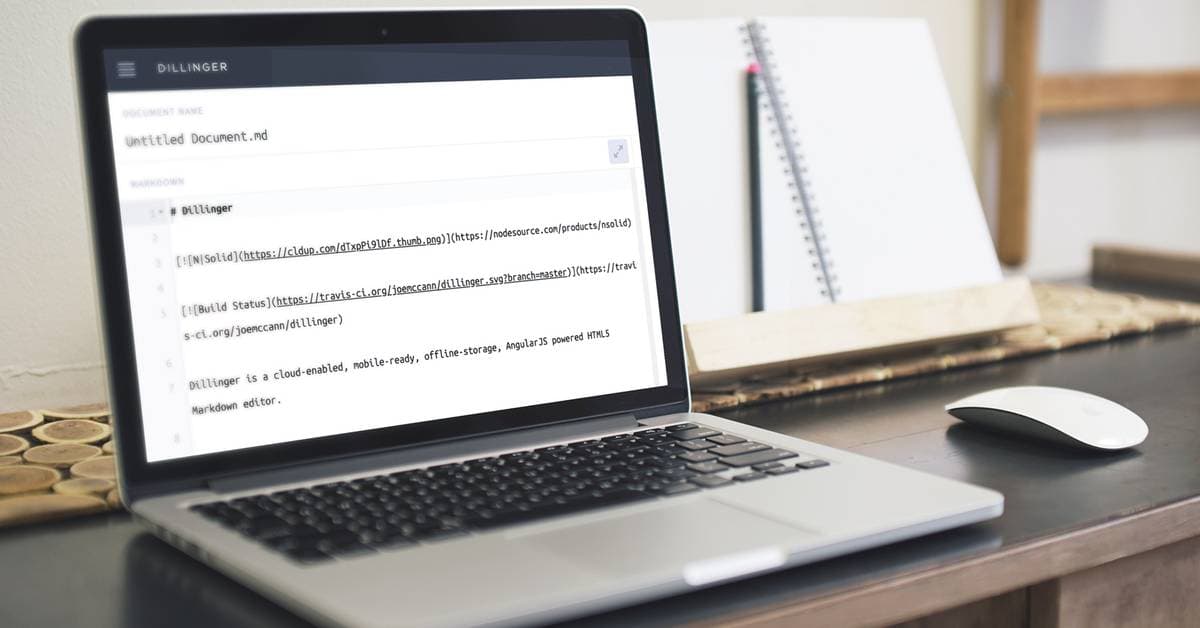
Markdown is how a huge share of technical writing starts its life: README files, API docs, meeting notes, blog drafts, and — increasingly — output pasted straight from ChatGPT, Claude, or Gemini. The format is easy to write and easy to read, but sooner or later you need to turn that Markdown into a polished PDF, a Word document, or clean HTML, and that is where an online Markdown converter earns its place.
This guide covers what actually matters when you pick one: which conversion directions a tool supports, how it handles the hard parts (tables, LaTeX math, Mermaid diagrams), what "secure" should mean in practice, and how the popular free options differ. One note on method before we start: everything compared here is a documented capability you can verify yourself in a couple of minutes — we deliberately avoid invented benchmark percentages, because conversion "accuracy scores" without a published methodology are marketing, not measurement.
Understanding Markdown and Why Converters Exist
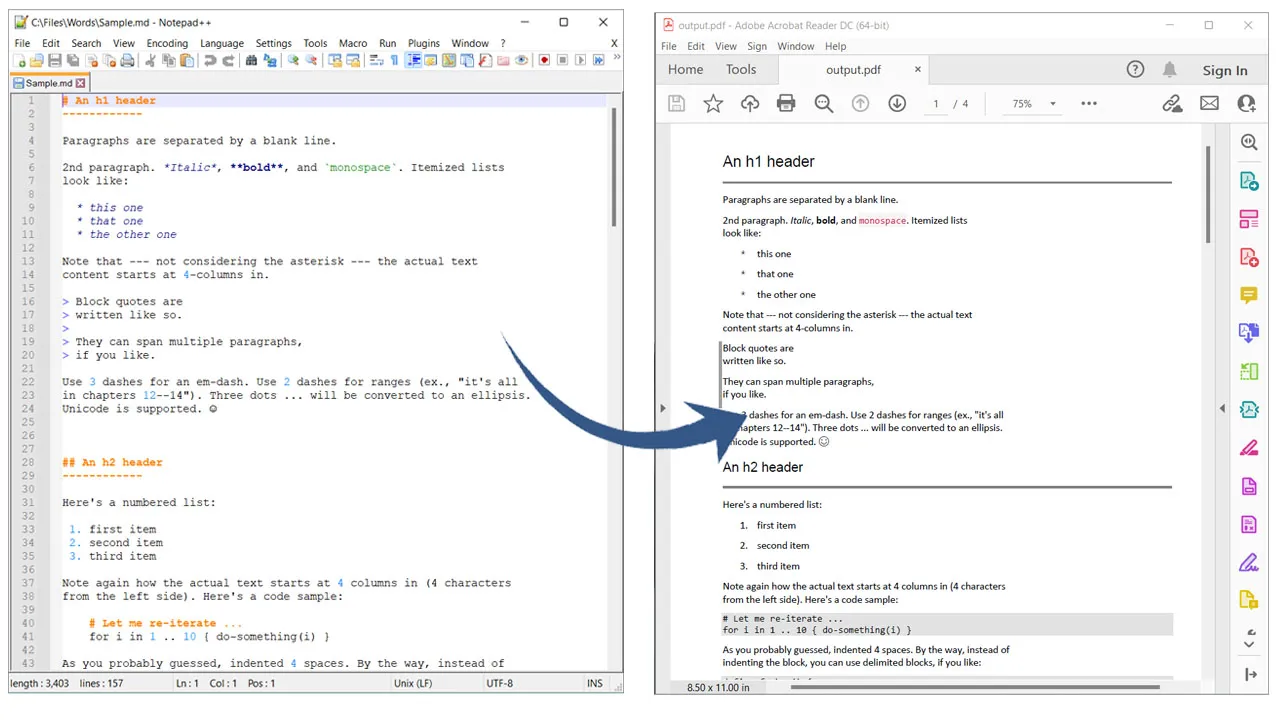
Markdown, created by John Gruber in 2004, is designed for simplicity: plain text files that render into structured content using intuitive syntax. Headers are marked with # symbols, lists with asterisks or numbers, and links with brackets and parentheses. Its popularity comes from the human-readable source — unlike HTML, which can devolve into a tangle of tags — and its native support in platforms like GitHub, Reddit, and static-site generators. Developers rely on it for README files and documentation; writers like that it travels well between editors and devices.
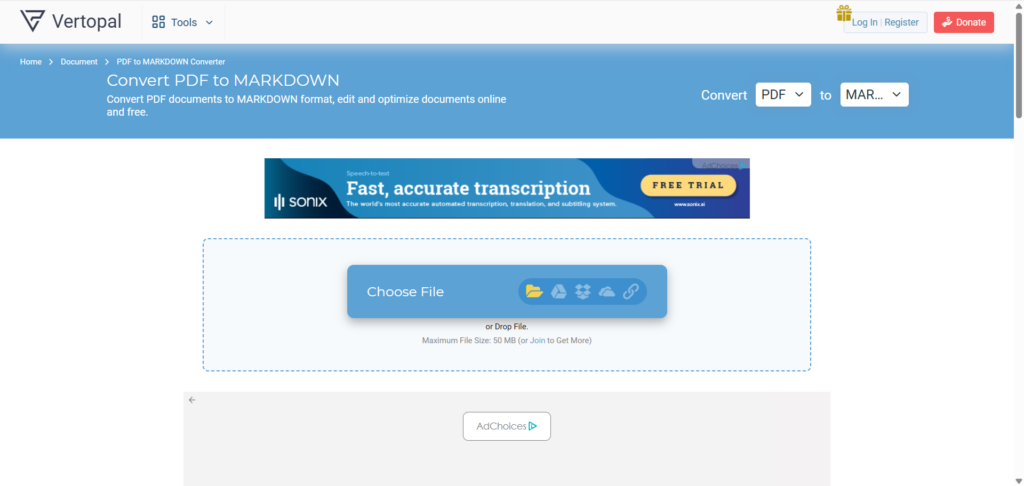
The catch is that Markdown's plain-text nature doesn't always fit professional deliverables. Converting to PDF gives you a fixed layout for reports, Word (DOCX) plugs into review workflows built around track changes, and HTML makes content web-ready. The reverse directions matter just as much — you can convert PDF back to Markdown, turn HTML pages into Markdown, or extract Markdown from Word documents when you need to bring legacy content into a docs-as-code workflow.
A browser-based converter handles all of this without installing anything, which is exactly the point: for occasional or on-the-go conversions, opening a tab beats maintaining a toolchain.
What Makes Markdown Ideal for Modern Content Creation
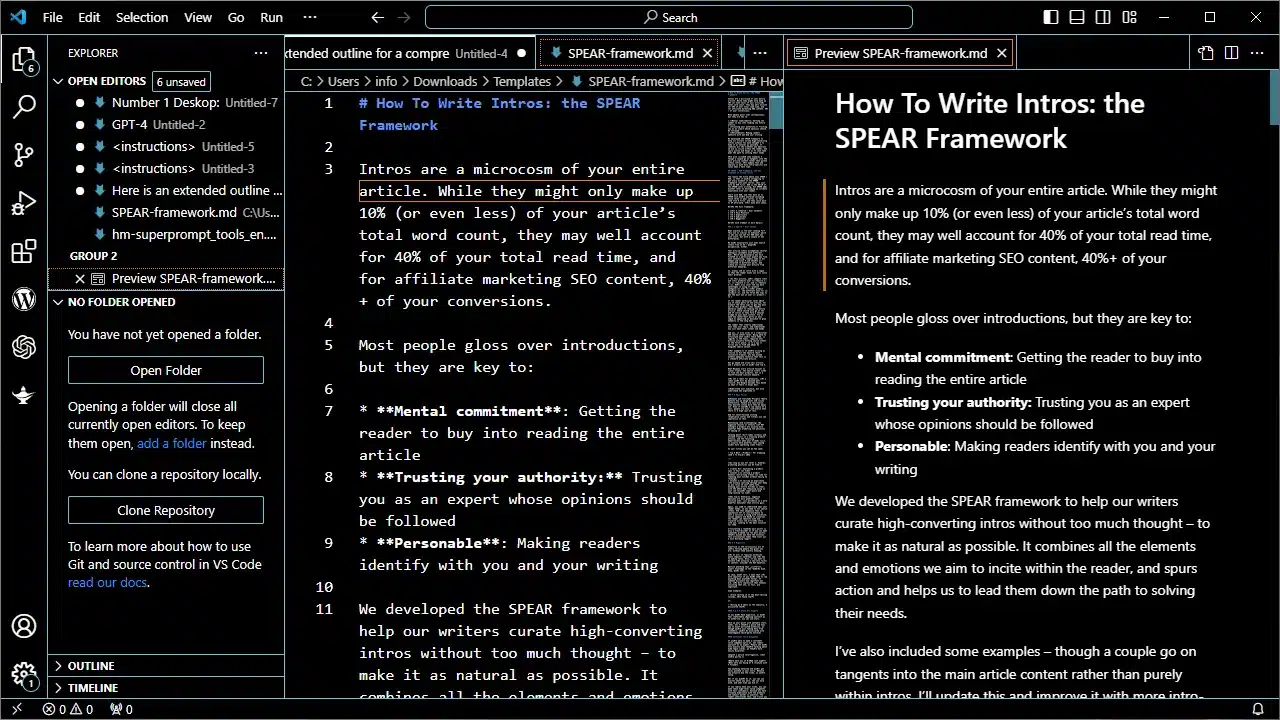
At its core, Markdown balances expressiveness with minimalism. Bold text is **this**. Tables — a GitHub Flavored Markdown (GFM) extension — use pipes and dashes, which is trivial to write compared to the equivalent HTML:
| Feature       | Benefit                  |
|---------------|--------------------------|
| Headers       | Quick structure          |
| Inline Code   | `var x = 10;` syntax     |
| Blockquotes   | > Easy citations         |
This compatibility shines in ecosystems like GitHub, where Markdown renders natively in wikis and issues. For bloggers on WordPress or Ghost, it means drafting in a distraction-free editor, then converting for whatever format the destination needs. The CommonMark spec defines the core syntax, and GitHub's Markdown guide documents the GFM extensions most tools now treat as standard.
Online Converters vs. Desktop Tools like Pandoc
Honest answer first: if you convert documents every day, live in the terminal, and need deep customization, Pandoc is a superb open-source tool — and no online converter should pretend otherwise. The trade-off is setup and maintenance: installing it (plus a LaTeX distribution for PDF output), learning its flags, and keeping the toolchain working across machines.
Online Markdown converters flip that trade-off. Zero installation, so they work from any browser on any machine, including the locked-down laptop your IT department manages. No dependency conflicts, no version drift, and the free tiers cover occasional use. The realistic dividing line: automation-heavy power users script Pandoc; everyone else — and anyone who just needs a clean DOCX in the next two minutes — is better served by a browser tool.
Key Features to Check Before You Trust a Markdown Converter
Selecting the best Markdown converter isn't about flashy interfaces; it's about what survives the trip through conversion. Three areas separate the serious tools from the rest.
Security and Privacy in Online Markdown Converters
Any converter you upload files to should state, in plain language: how files travel, where they live during processing, and when they are deleted. The baseline to insist on is encrypted transfer (HTTPS/TLS), temporary processing, and deletion after conversion — MarkdownCo transfers files over TLS, processes them only to perform the conversion, and does not keep the content afterward. Note that "end-to-end encryption" is not the right claim for any online converter: the server must read your file to convert it. What you can and should demand is transport encryption plus a clear no-retention policy.
A practical way to vet a tool: skim its privacy policy for retention language before uploading anything sensitive, and prefer converters that work without forcing an account for basic use. If a tool is vague about what happens to your files, assume the answer is one you wouldn't like.
Format Fidelity: GFM, LaTeX Math, and Mermaid Diagrams
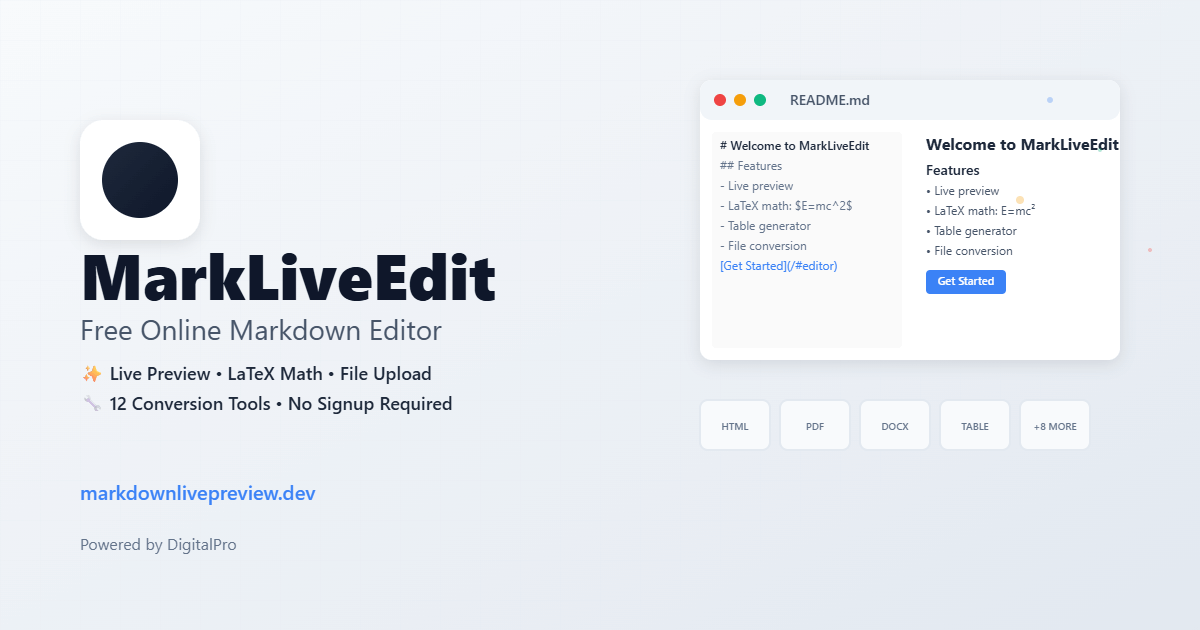
This is where free tools differ most, and it's easy to test yourself: paste a GFM table, an inline formula like $E = mc^2$, and a fenced mermaid block into any converter and look at the output. Many free converters silently drop the math, render the Mermaid source as a plain code block, or mangle nested lists.
MarkdownCo treats these as core cases rather than edge cases: GFM tables and task lists, LaTeX math (inline and block), Mermaid flowcharts and sequence diagrams, and syntax-highlighted code blocks carry through to PDF, Word, and HTML output. If your documents are technical — engineering notes, research drafts, anything with formulas — run this paste test before committing to a tool. It takes two minutes and tells you more than any marketing page.
Speed, File Limits, and Everyday Ergonomics
Typical documents convert in seconds; what matters more is the ceiling. MarkdownCo accepts files up to 10 MB per conversion — enough for a several-hundred-page manual with embedded images. Interface ergonomics count too: drag-and-drop upload, paste-and-convert, and a live preview that shows how italics or strikethrough will render before you commit. For scripted workflows, a REST API lets you fold conversion into CI/CD pipelines — more on that below.
How the Free Options Compare
The fairest way to compare converters is on documented capabilities — what each tool's own site and docs say it does, which you can check yourself. Here is where the commonly recommended free options stand as of August 2026:
| Capability | MarkdownCo | Dillinger | StackEdit | Pandoc (desktop) |
|---|---|---|---|---|
| Primary purpose | Converter suite | Online editor | Online editor | CLI converter |
| Markdown → PDF / DOCX / HTML | ✅ / ✅ / ✅ | ✅ / ❌ / ✅ | ❌ / ❌ / ✅ | ✅ / ✅ / ✅ |
| Reverse (PDF/Word/HTML → Markdown) | ✅ | ❌ | ❌ | Partial (no PDF input) |
| LaTeX math in output | ✅ | ❌ | Preview only | ✅ |
| Mermaid diagrams rendered | ✅ | ❌ | Partial (preview) | Via filters |
| Works without an account | ✅ (free tier) | ✅ | ✅ (sync needs account) | ✅ (local) |
| Installation required | None | None | None | CLI + LaTeX for PDF |
| REST API | ✅ (free tier available) | ❌ | ❌ | Self-hosted only |
Two honest caveats about this table. First, Dillinger and StackEdit are excellent at what they're actually built for — writing and editing Markdown in the browser — and if editing is your main activity, they're the right tools; conversion is a side feature for them, not a failing. Second, MarkdownCo's free tier adds a small watermark to PDF and Word downloads; paid credits remove it. We'd rather tell you that here than have you discover it after your first download.
The pattern that emerges: editors bolt on basic export, Pandoc gives maximum power at maximum setup cost, and a converter-first tool covers the full direction matrix — including the PDF to Markdown and Word to Markdown reverse directions that editors don't attempt at all.
Step-by-Step: Converting Markdown Online
- Prepare your file: Write or open Markdown in any text editor. Linters like markdownlint catch syntax slips early.
- Open the tool: Head to MarkdownConverter.pro. No sign-up is needed to start — every visitor gets free conversions daily.
- Upload or paste: Drag your
.mdfile in or paste the text directly. - Select output: Choose PDF for print-ready documents, Word for editable review copies, or HTML for the web.
- Preview and convert: The live preview shows exactly how tables, math, and diagrams will render. Convert and download.
- Verify: Open the output and spot-check links, tables, and any formulas — thirty seconds of checking beats resending a broken attachment.
The whole loop takes a couple of minutes for a typical document, and nothing to install or update afterward.
Real-World Workflows
AI output to deliverables. A workflow we see constantly (and use ourselves): draft with ChatGPT or Claude, which both emit Markdown, then convert the result to Word for a client who reviews with track changes, or to PDF for a version nobody can accidentally edit. The formatting — tables, code blocks, math — survives the trip instead of being flattened by copy-paste into a word processor. If that's your use case, the ChatGPT to Word, PDF & HTML guide walks through it end to end.
Docs-as-code pipelines. Teams that keep documentation in Git can wire conversion into CI: on release, the REST API turns the changelog and docs into distributable PDFs automatically. The API's Basic tier is free (30 requests/month), which is enough to evaluate against your pipeline before committing to a paid plan.
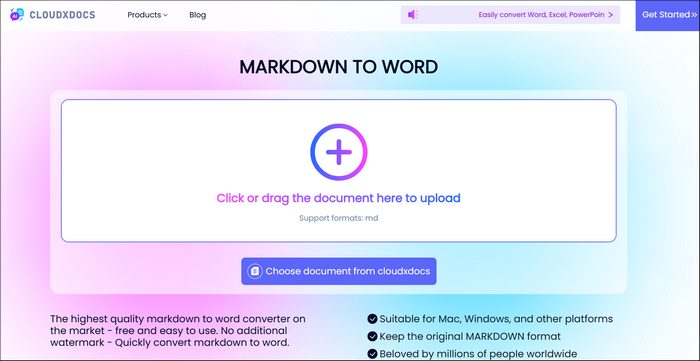
Legacy content rescue. The reverse directions earn their keep when consolidating old content: Word to Markdown for aging .docx specs, HTML to Markdown for retiring wiki pages, Image to Markdown for that one table that only exists as a screenshot.
Common Pitfalls to Avoid
Formatting surprises usually trace back to non-standard syntax — stick to CommonMark/GFM and most converters behave. Watch the file-size ceiling (10 MB per file on MarkdownCo; split very large projects into chapters). And re-read the security section above before uploading anything confidential to any online tool: transport encryption plus a stated deletion policy is the minimum bar.
For direction-specific deep dives, see the Markdown to PDF guide, Markdown to Word guide, and Markdown to HTML guide.
Integrating Markdown Conversion into Your Workflow
Automation compounds the value: trigger conversions from Git hooks so rendered outputs stay in sync with source, or batch-convert a folder of specs before a handoff. As the ecosystem evolves — MDX, richer Mermaid diagram types, new GFM extensions — the practical advice stays the same: test your real documents, not toy samples, against any converter you're evaluating.
In short: pick an online Markdown converter by checking the capabilities that matter for your documents — direction coverage, math and diagram fidelity, a security policy you've actually read, and limits that fit your files. The two-minute paste test will tell you more than any comparison article, including this one.
New to Markdown? Start with our What is Markdown introduction, then the Markdown basic syntax guide to build a solid foundation.