Image to Markdown Converter
screenshots & photos to clean Markdown
Drop in a screenshot, scan, or photo and get editable Markdown back — tables, math, and diagrams included. Paste it straight into ChatGPT, Claude, Obsidian, or your editor.
Related Markdown Conversion Tools
Try other Markdown converters to keep your workflow going
Markdown to PDF
Turn Markdown into print-ready PDF with GFM tables, LaTeX math, and syntax-highlighted code.
Markdown to HTML
Convert Markdown to clean, semantic HTML5 — no inline styles, ready for any CMS or static site.
Markdown to Word
Export Markdown to editable .docx with native heading styles, real tables, and embedded images.
Markdown to Confluence
Convert Markdown to Confluence wiki markup with code macros and preserved LaTeX math.
Markdown to Excel
Convert Markdown tables to XLSX spreadsheets with real number, percentage, and link cells.
PDF to Markdown
Extract text, headings, tables, and code from PDF files into clean, editable Markdown.
HTML to Markdown
Turn web pages, blog posts, and messy CMS exports into clean Markdown syntax.
Word to Markdown
Convert Word (.docx) documents to Markdown, keeping headings, lists, tables, and links.
How to convert an image to Markdown
Convert any image to Markdown in three steps — upload, convert, then copy or download the result, all on a free account.
Upload your image
Drag in a screenshot, scan, or photo — PNG, JPG, or WEBP up to 10MB. JPG to Markdown and PNG to Markdown work the same way.
Convert
Tables, LaTeX math, and Mermaid diagrams are reconstructed, not flattened into plain text.
Copy or download
Edit the Markdown if needed, preview it live, then copy it or download the .md file.
Common Image to Markdown use cases
Whether it's a screenshot, a scanned page, or a printed note, you get structured Markdown you can paste straight into an editor or an LLM.

Image to Markdown OCR that keeps your structure
Most OCR dumps a wall of text. This image to MD converter keeps the parts that matter.
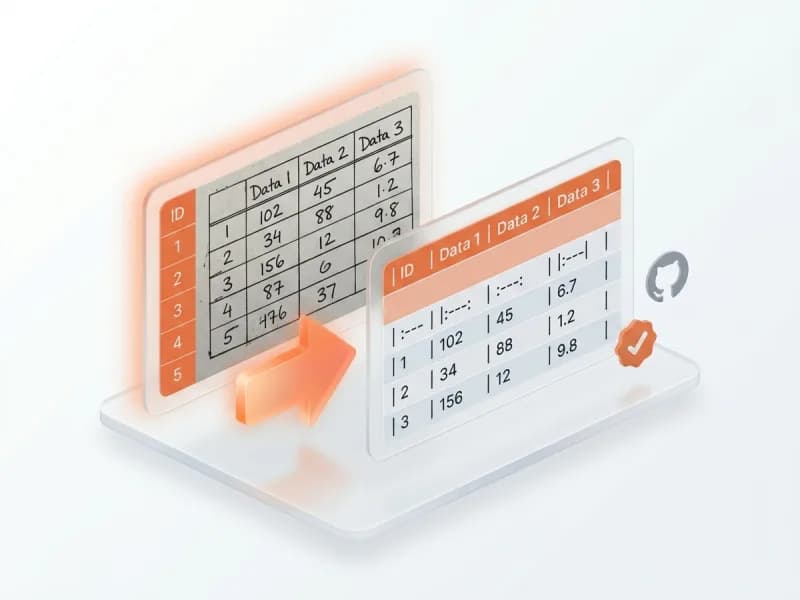
Tables stay tables
Rows, columns, and every cell are rebuilt as a real Markdown table — no dropped numbers, no flattened grids.
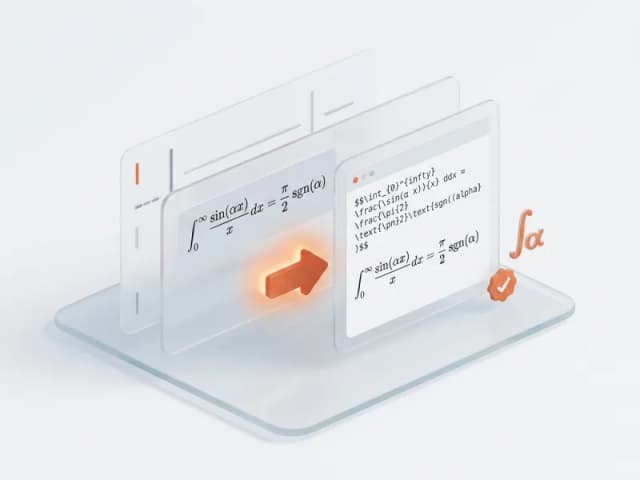
Math as LaTeX
Equations come back as valid LaTeX ($...$ and $$...$$), so formulas render instead of turning into gibberish.
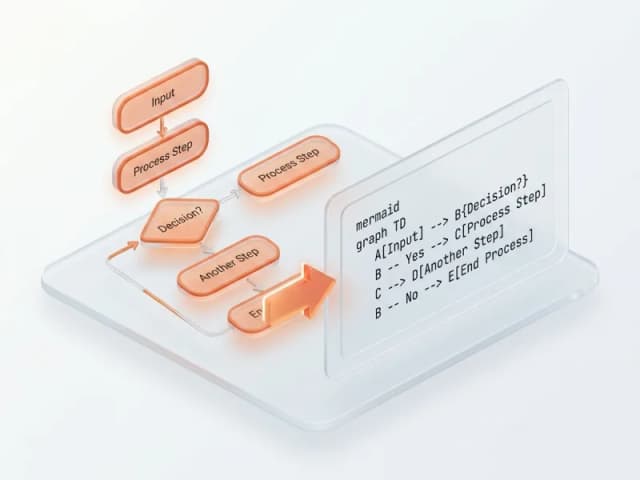
Diagrams as Mermaid
Flowcharts are reconstructed as Mermaid code blocks you can edit and re-render.
Reads any language
Chinese, Japanese, Arabic, and 50+ more — text comes back in its original language, never translated.
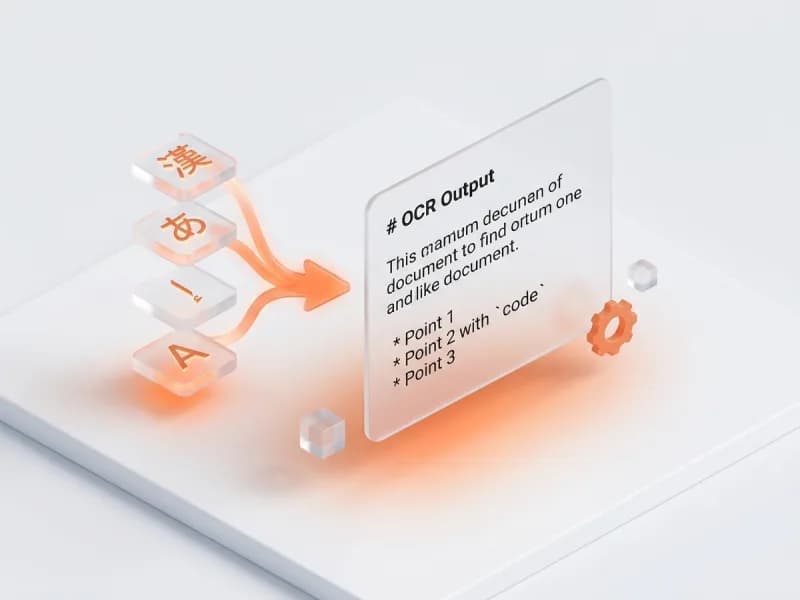
Image to Markdown FAQ
Answers on how Image to Markdown OCR handles tables, formulas, diagrams, languages, and accuracy.